
 US
USImport TradeStation trades into TradeRitual.
Export your TradeStation history and import it in seconds. Track Stocks, Options, Futures with full P&L analytics.
Import a TradeStation file
- 1
Open TradeManager Analysis
In TradeStation, open TradeManager Analysis (or a Strategy Performance Report).
- 2
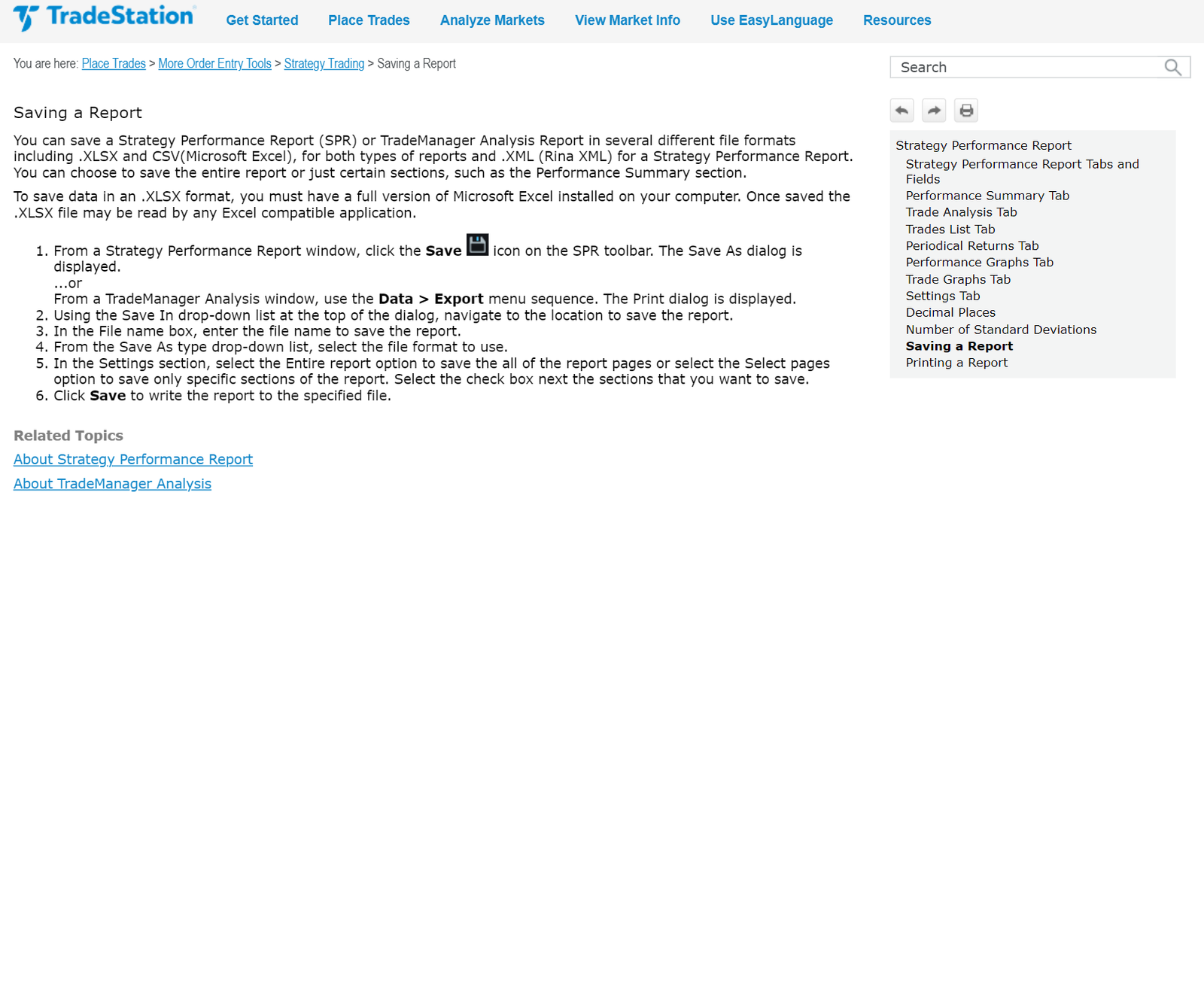
Save the report
Click the Save icon, or use the Data menu → Save.
- 3
Choose CSV or Excel format
Choose CSV or Excel as the format and pick a location.
- 4
Import into TradeRitual
Drop the saved file into TradeRitual.
TradeStation - questions
Does TradeRitual work with TradeStation?
Yes. TradeStation imports from a file export. Stocks, Options, Futures are supported.
How do I import TradeStation trades?
Export a CSV, Excel, or HTML report from TradeStation and drag it into the Import screen - we detect the format and map the columns for you.
Which TradeStation assets can I track?
Stocks, Options, Futures. P&L, fees, and multi-leg positions are handled automatically.
Other brokers
See all


Journal your TradeStation trades.
Start free - no credit card, every asset class you trade.